ACE DNTL | STUDIO
Staff Training · Internal

The ACE DNTL Collective

How our patient system works — from first hello to lifelong care — and exactly what each of us does at every step.

Why we built this

One patient. One thread. Never dropped.

A patient might find us through an ad, message us on WhatsApp, book online, then sit in your chair. The Collective ties all of that into a single record — so no one is ever forgotten, double-entered, or lost between systems.

Your job gets easier: everything about a patient lives in one place, and the boring follow-up happens automatically.
Connected care system
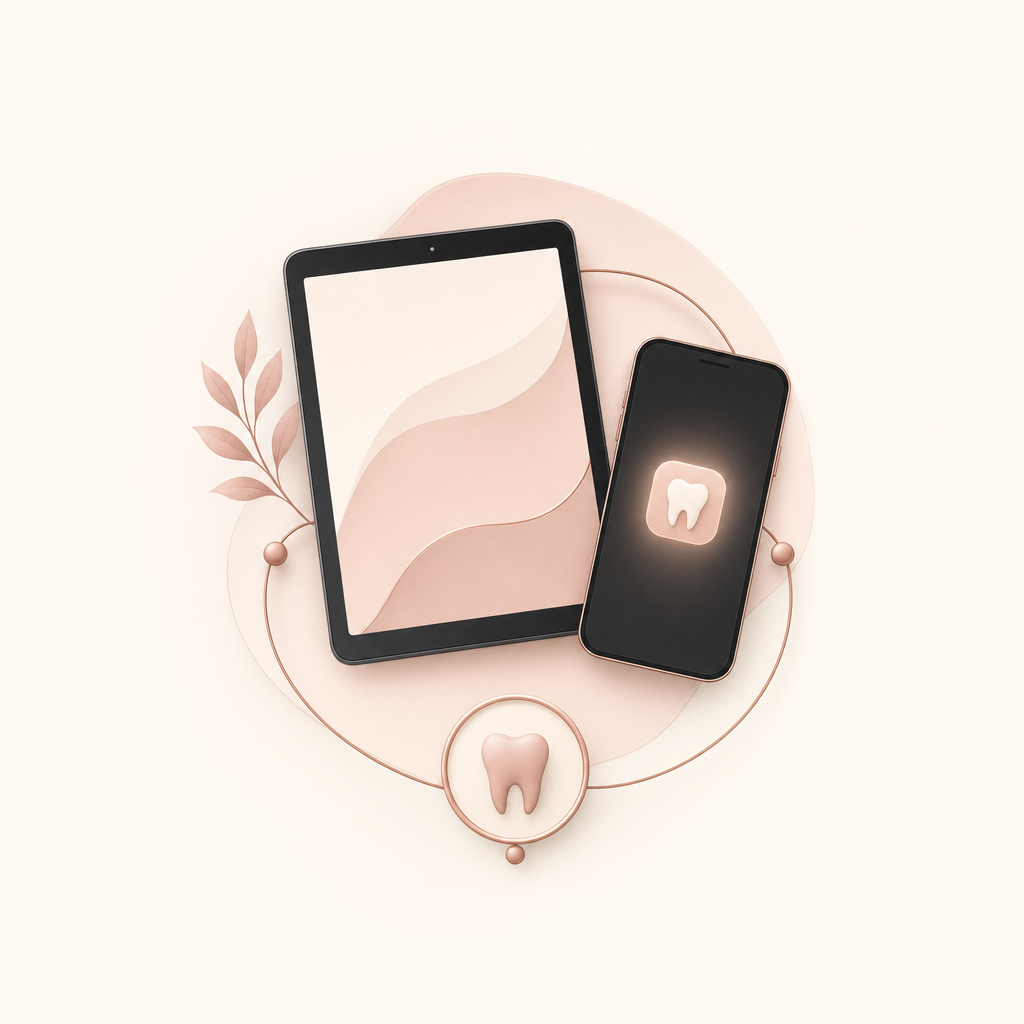
The Collective is four parts working together

Four tools, one patient journey

1

The iPad Intake

The form a new patient fills in the chair on their first visit. Where their record is born.

2

The Backend (CRM)

The brain. Every lead & patient, their history, reminders and stages — the single source of truth.

3

The Patient App

Their private “personal space” — booking, aftercare, reminders, rewards. No download, no password.

4

The Rewards

Credits & cashback that bring patients back and turn them into referrers.

Part One

From stranger to patient

How someone becomes a real ACE DNTL patient — and the one moment that matters most.

Leads becoming a patient
The golden rule

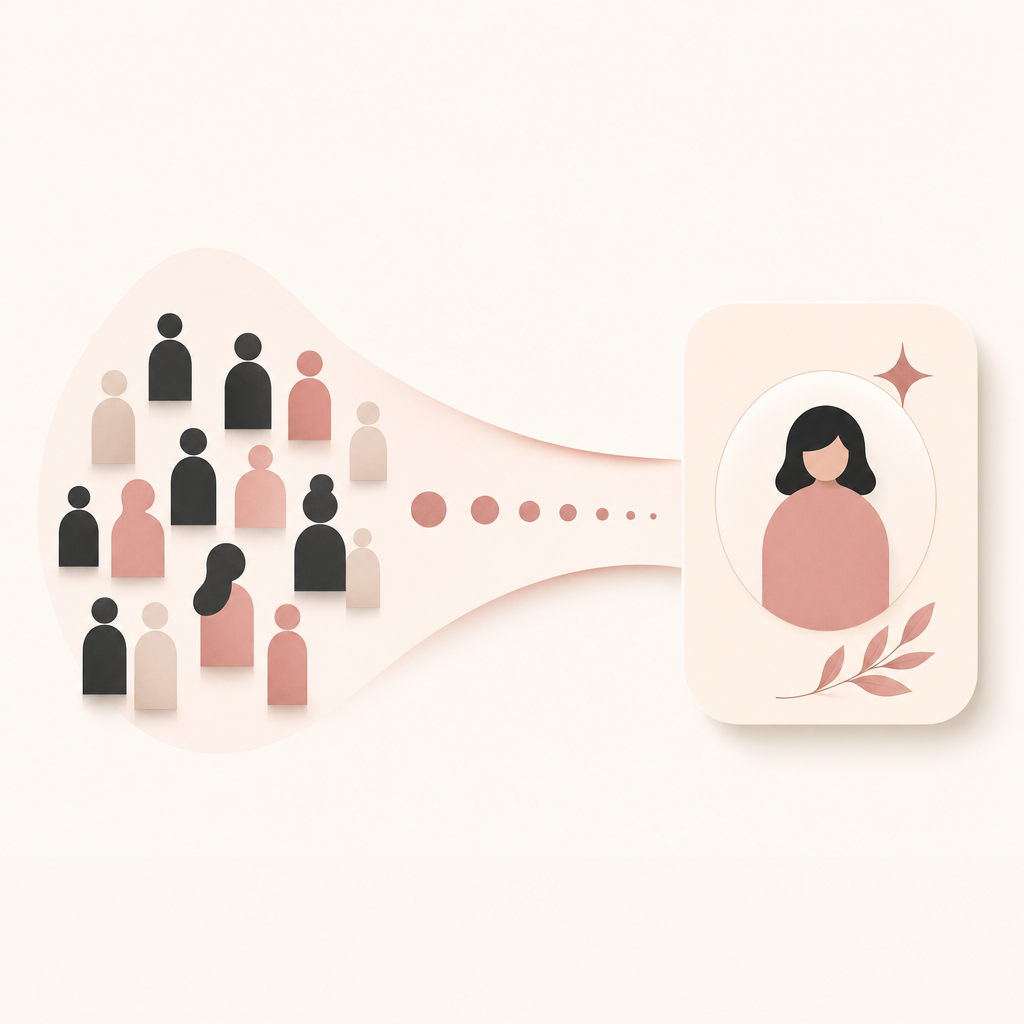
A “lead” is not yet a “patient”.

A lead is anyone who shows interest — an ad click, an Instagram DM, a WhatsApp question. They live in the marketing pipeline.

A patient is born at one precise moment: sitting in the chair and completing the iPad intake. That’s when a real, lasting record is created.

Lead → (comes in & does intake) → Patient
Behind the scenes — you don’t do anything here

The system never makes duplicates

Same person returns

Matched by phone or email → it updates their existing record. No second copy.

Came from an ad

Their record is stamped with where they came from (e.g. “Meta, May”) so we know our marketing works.

Walk-in / referral

Brand-new record created from the intake’s “how did you hear about us?”.

Part Two

The iPad Intake

Every new patient fills this in the chair. It’s where the relationship — and the record — begins.

What the iPad does

Two minutes, fully signed, straight to the clinic.

  • Patient completes health history, goals & consent — guided, in their language (EN / ES).
  • A signed medical PDF is emailed to reception automatically — ready for the chart.
  • Their personal app space is created and their private link is sent to their WhatsApp.
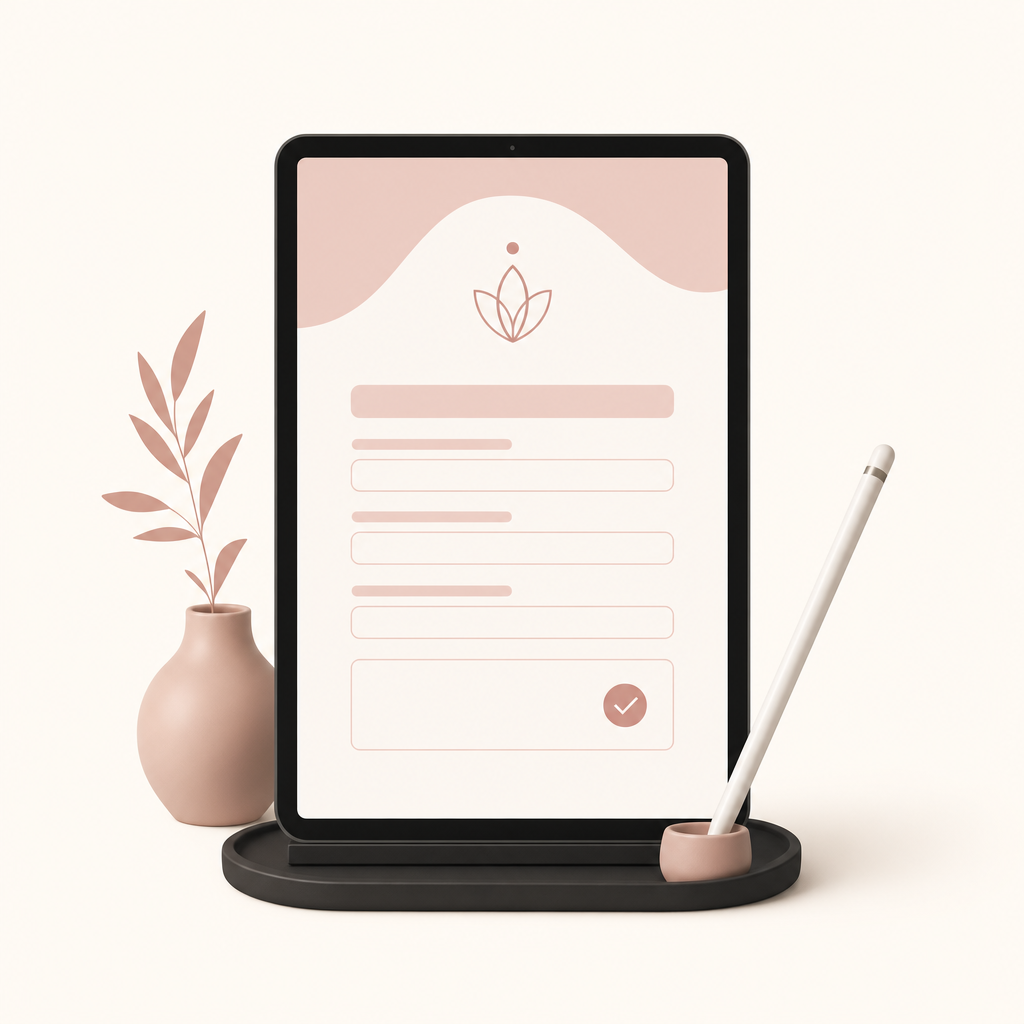
iPad intake form
Your role at intake

Reception — three simple things

Before
Hand over the iPad
Make sure it shows the right clinic. Ask them to fill every required field.
During
Let them finish
They can’t skip the important parts — the form blocks it. Offer help if they’re unsure.
After
Confirm the email arrived
Check reception inbox for the signed PDF (one copy). File it to the chart.
Part Three

The Patient App & the magic link

Not an app-store download. A private space that opens with one tap — no password, ever.

Magic link login
How it works

One link. Tap. They’re in.

After intake, the patient gets a WhatsApp message with a personal link. They tap it and the app opens — already signed in, welcoming them by name. No username, no password to remember.

Inside: their appointments, aftercare videos, reminders, rewards and a chat trained by ACE dentists.

Passwordless · private · GDPR-protected
The key habit we want

Add it to the home screen.

When the patient adds the link to their phone’s home screen, it becomes a real app icon — no App Store, nothing to download. That’s what keeps them connected: reminders, rebooking, aftercare, reviews.

This is the thing we encourage every patient to do — and it’s tied to the €50 (next slide).
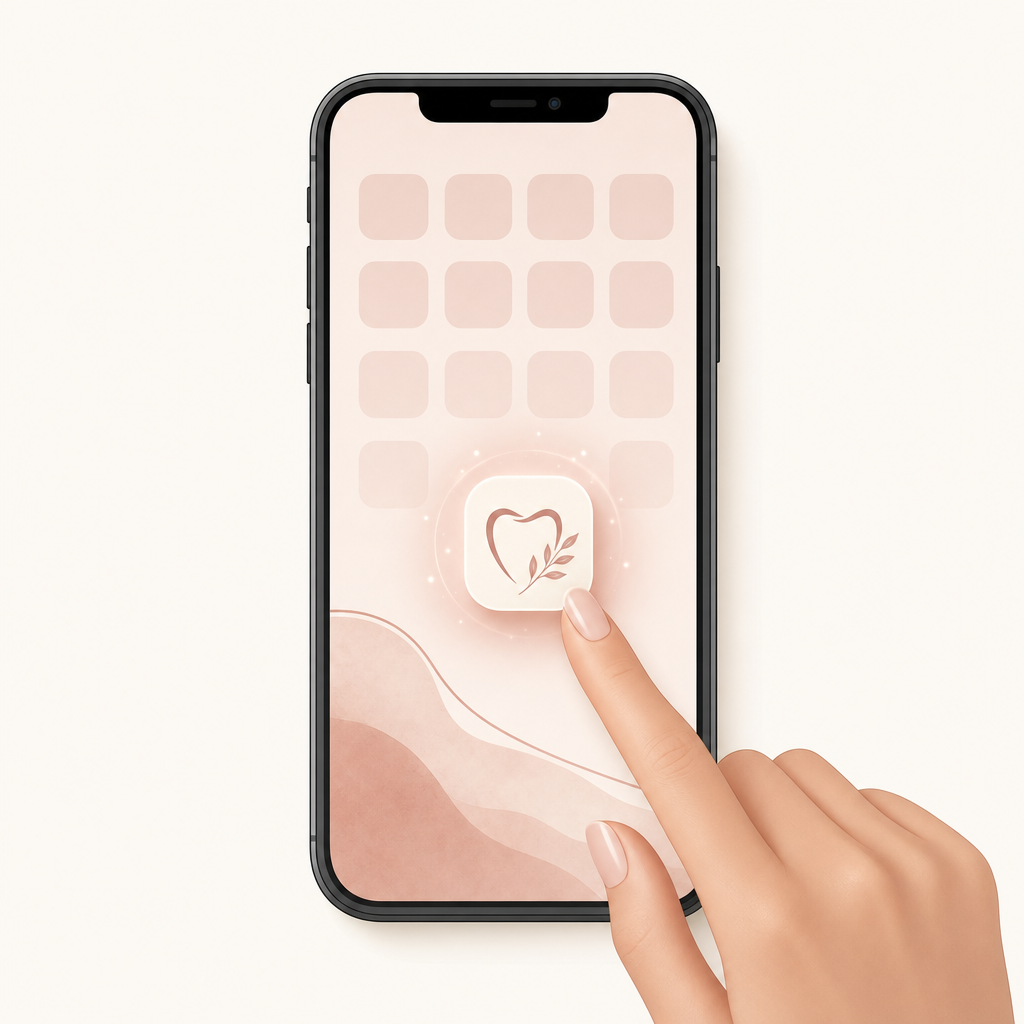
Add app to home screen
Part Four · The most important staff check

The €50 consultation & the home-screen check

This is the one rule everyone must get right at checkout.

Verify app for €50 credit
The deal we offer the patient

Today’s consultation is on us — if they keep the app.

We tell patients: add ACE DNTL to your home screen and the €50 consultation is free. It’s their reward for staying connected with us.

So at checkout, you check the phone. App on the home screen → consultation is free. No app → the €50 consultation is charged.

After every appointment — checkout

The home-screen check, step by step

  • 1When the appointment is done, before they pay, ask: “May I see the ACE DNTL app on your phone’s home screen?”
  • It’s there → the consultation is free. Thank them, and the €50 credit is applied.
  • It’s not there → kindly offer to add it with them in 20 seconds. Still no → the €50 consultation is charged.
  • Need to add it? Open their WhatsApp link → tap “Open my space” → Share → Add to Home Screen. Done.
Part Five

The rewards that bring them back

Three ways patients earn — and one of them puts real cash in a referrer’s pocket.

Know these so you can explain them

Three reward programs

Store credit

€50 referral credit

A patient refers a friend. When the friend attends, the referrer gets €50 credit toward their own treatment.

Store credit

€50 Google review

Leave a verified Google review → €50 credit. Builds our reputation, rewards the patient.

Real cash

5% Ambassador

An ambassador’s referred patient completes treatment → ambassador earns 5% cash of the final amount. Staff-approved payout.

What you’ll see in the CRM

“Referred by …” is now visible.

When a referral comes through the app, that patient shows a “Referred by [name]” badge and lands in the Smile Assessment tab as a lead — exactly like a website assessment, but you can see who sent them.

That’s how we follow a referred patient all the way to the end and pay the right person.

Referral and reward loop
Part Six

Your playbook, by stage

The whole journey on one page — what happens, and what you do.

The patient journey end-to-end

Every stage, every action

Arrives
New patient
You: hand over the iPad, pick the clinic.
Intake
Record born
You: confirm the PDF reached reception.
Treatment
In the chair
Clinician: care as normal. Add treatment notes.
Checkout
€50 check
You: see the app on their home screen → free. If not → charge €50.
Aftercare
Stays in the loop
Automatic: reminders, recall, aftercare via app + WhatsApp.
Returns
Rebooks / refers
You: apply credits, log referrals, approve payouts.
Quick reference

Always & never

Always
  • Run the iPad intake for every first-time patient.
  • Check the home-screen app at every checkout.
  • Offer to add the app with them — make it effortless.
  • Log referrals & apply credits in the CRM.
Never
  • Don’t give the free consult if the app isn’t on the home screen.
  • Don’t tell patients to “download an app” — there’s nothing to download.
  • Don’t create patient records by hand for ad leads — intake does it.
  • Don’t be pushy — it’s a gift, framed warmly.
If you remember one thing

“Show me your ACE DNTL app — your consult’s on us.”

Run the intake. Check the home screen. Keep every patient in the loop. That’s the Collective.

ACE DNTL | STUDIO
← → or tap to navigate